Your whole desktop, one click.
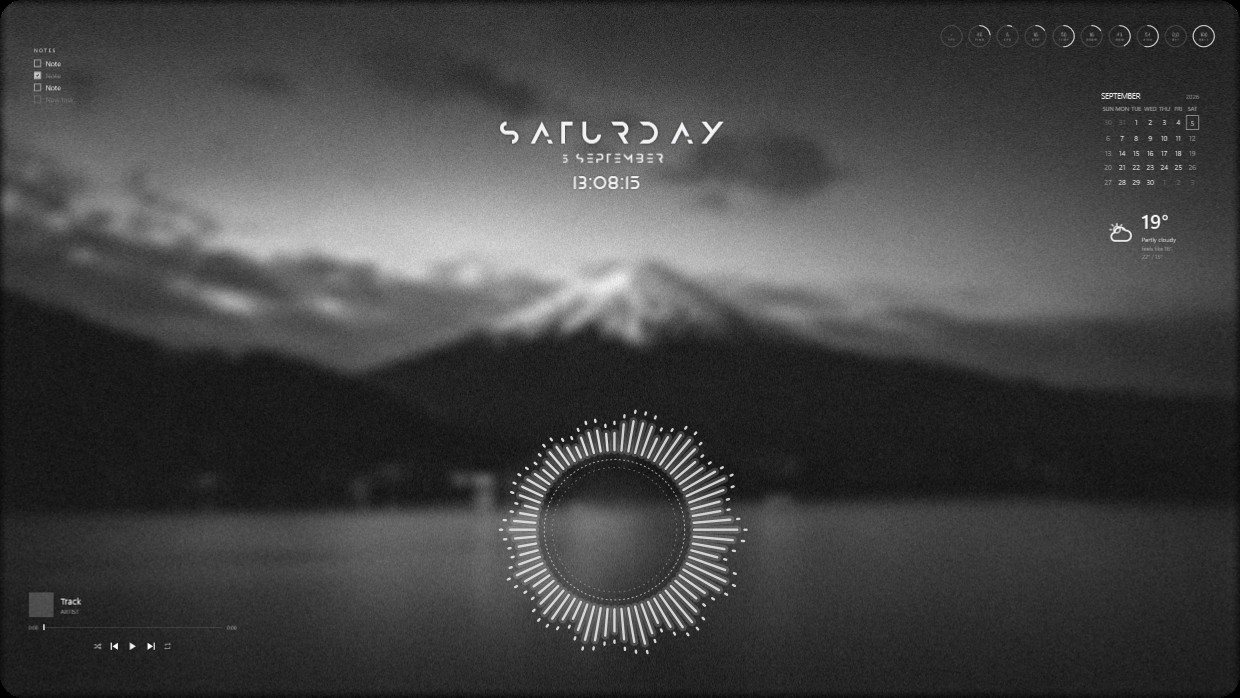
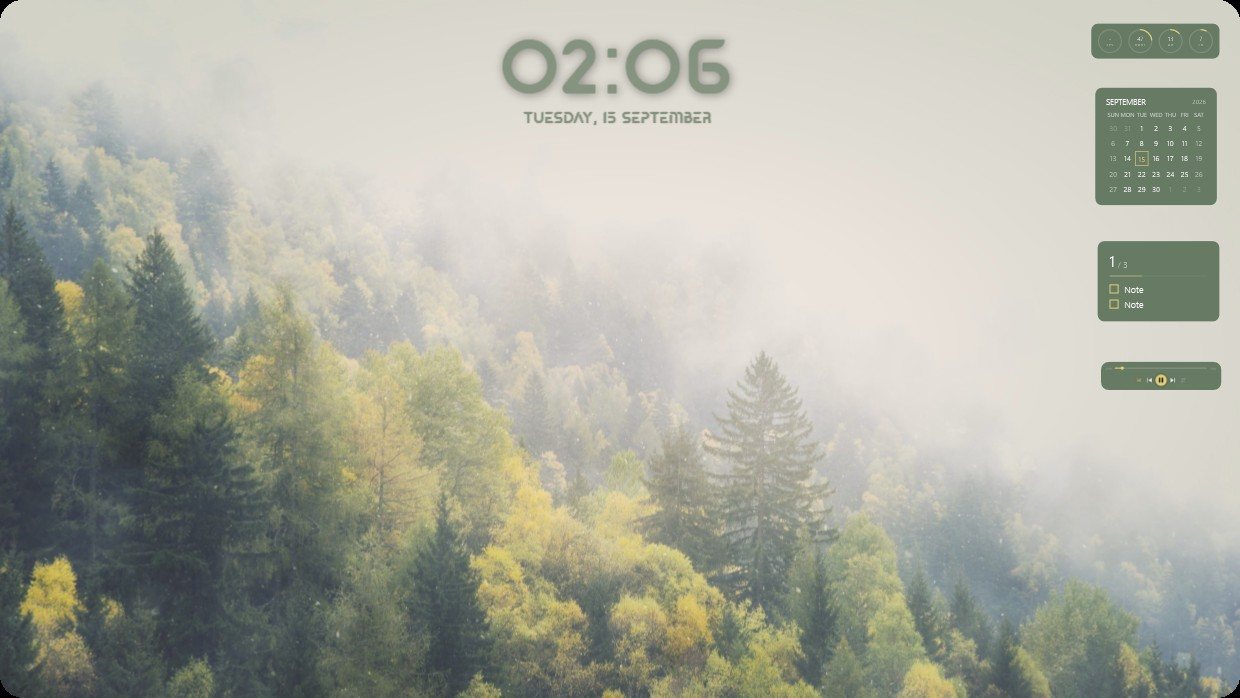
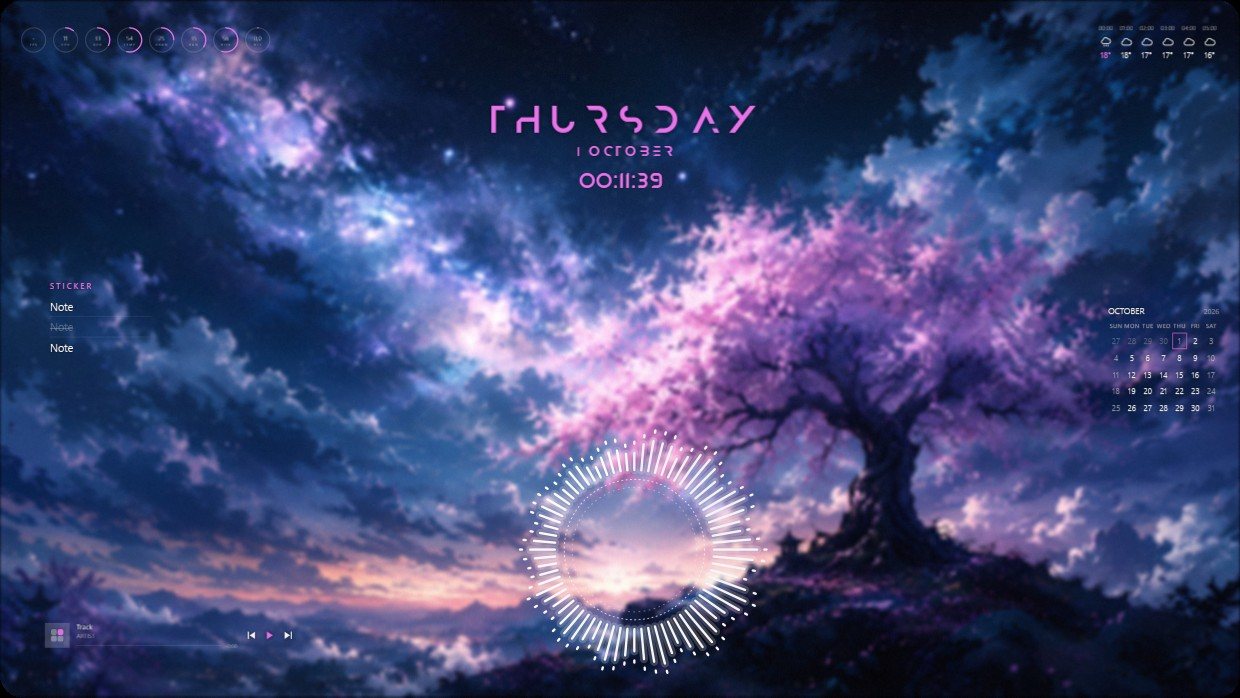
Vealo sweeps every icon off your Windows desktop into one tidy panel. Then it paints Windows your way: themes, wallpapers, a desktop clock, live effects and keyboard lighting.


One click, no more chaos

Three steps to your desktop
Hide
One click clears every icon off the desktop. Your wallpaper, finally uninterrupted.
Summon
Click the empty desktop or press a hotkey. The panel opens with search and your own sections.
Style it
Open Studio and paint everything your way: theme, wallpaper, clock, effects, cursor and keyboard lighting.
Everything a setup is made of
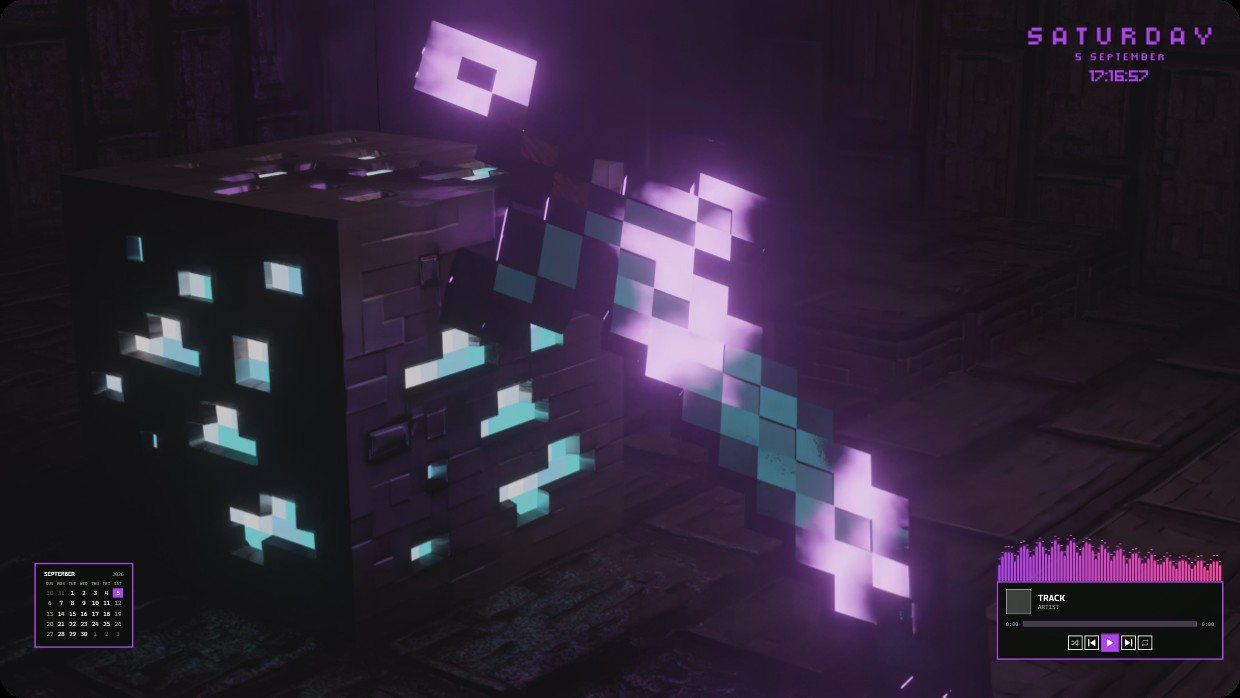
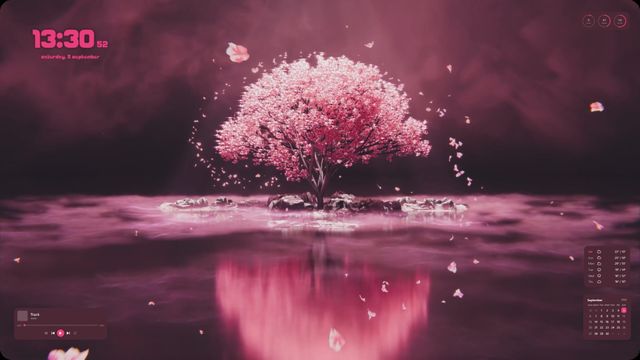
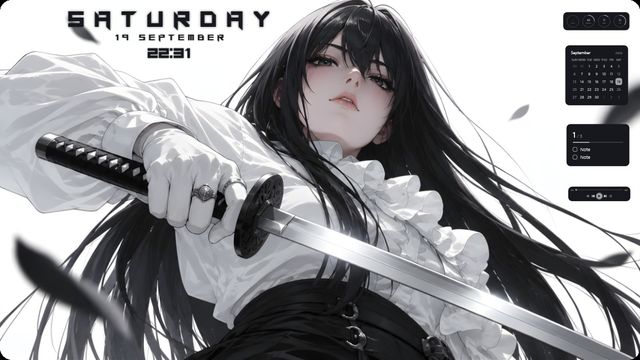


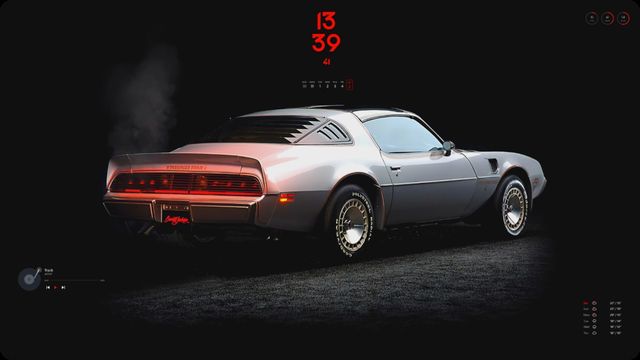
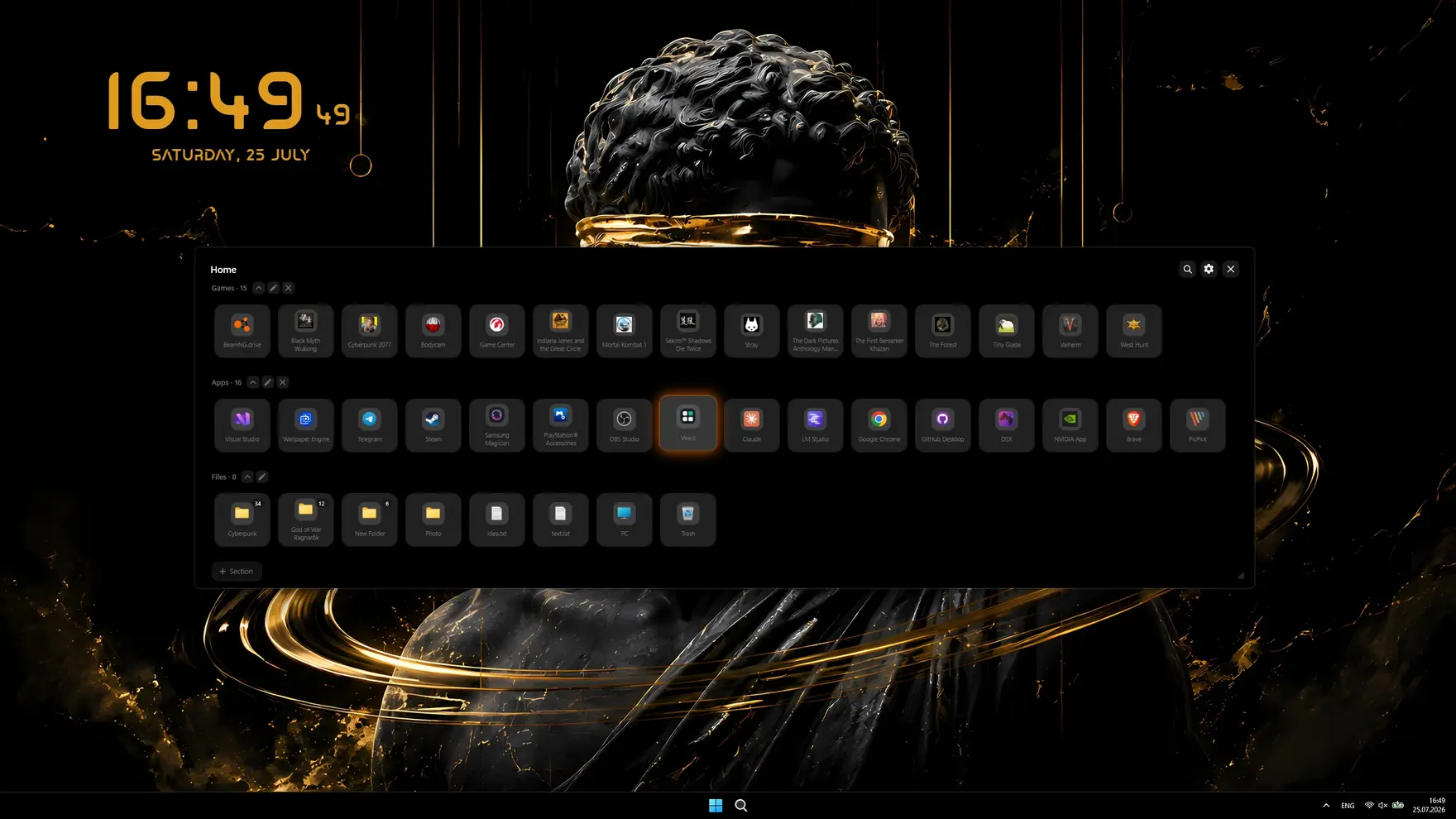
A panel that works
Sections for your games and projects, group drag and drop, an image viewer and multi-monitor support. Plus search, and each screen can show only its own shortcuts.
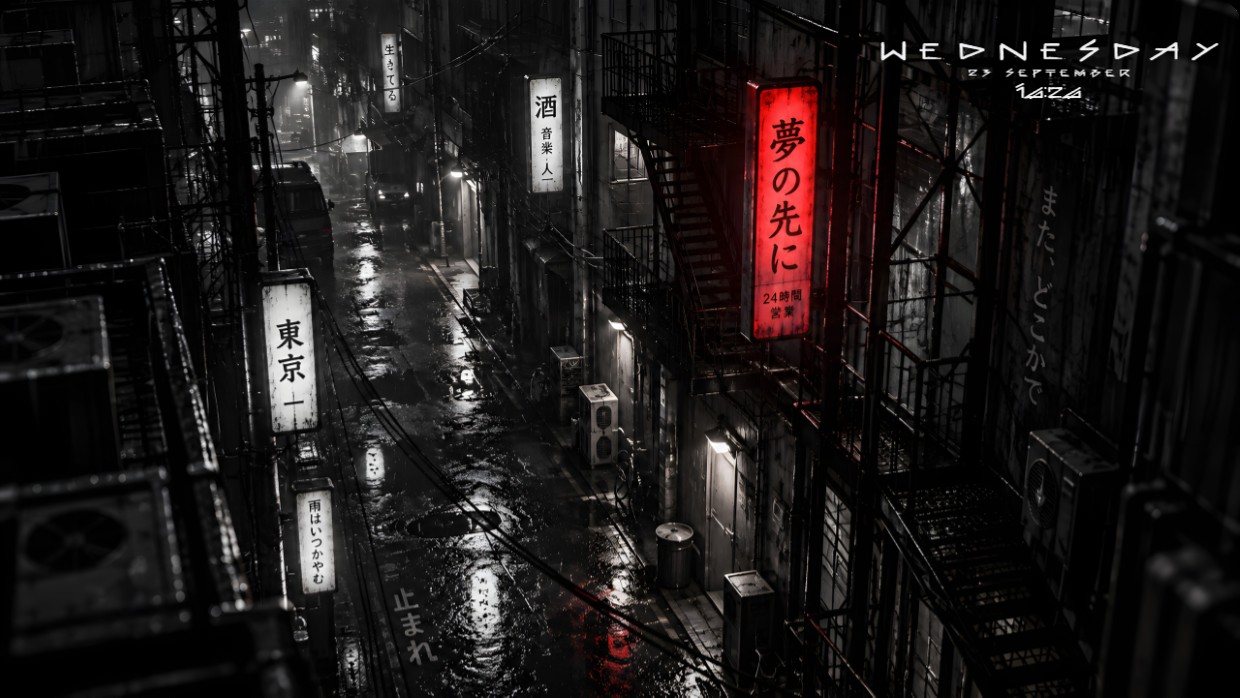
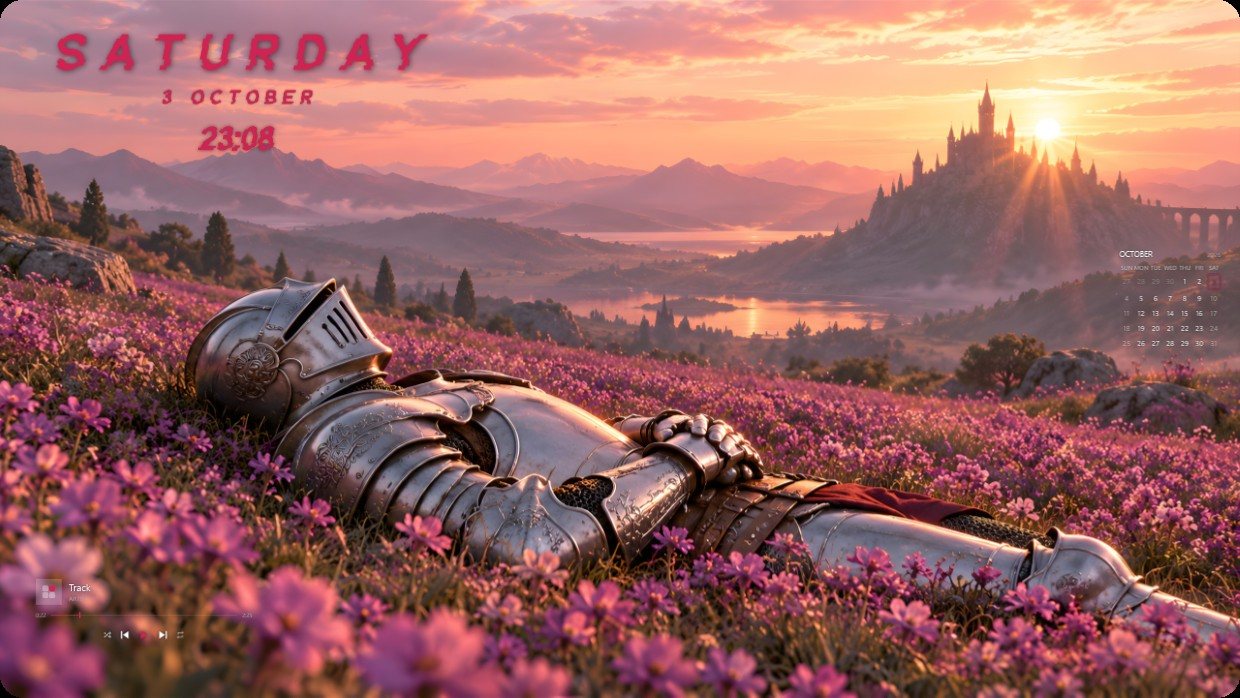
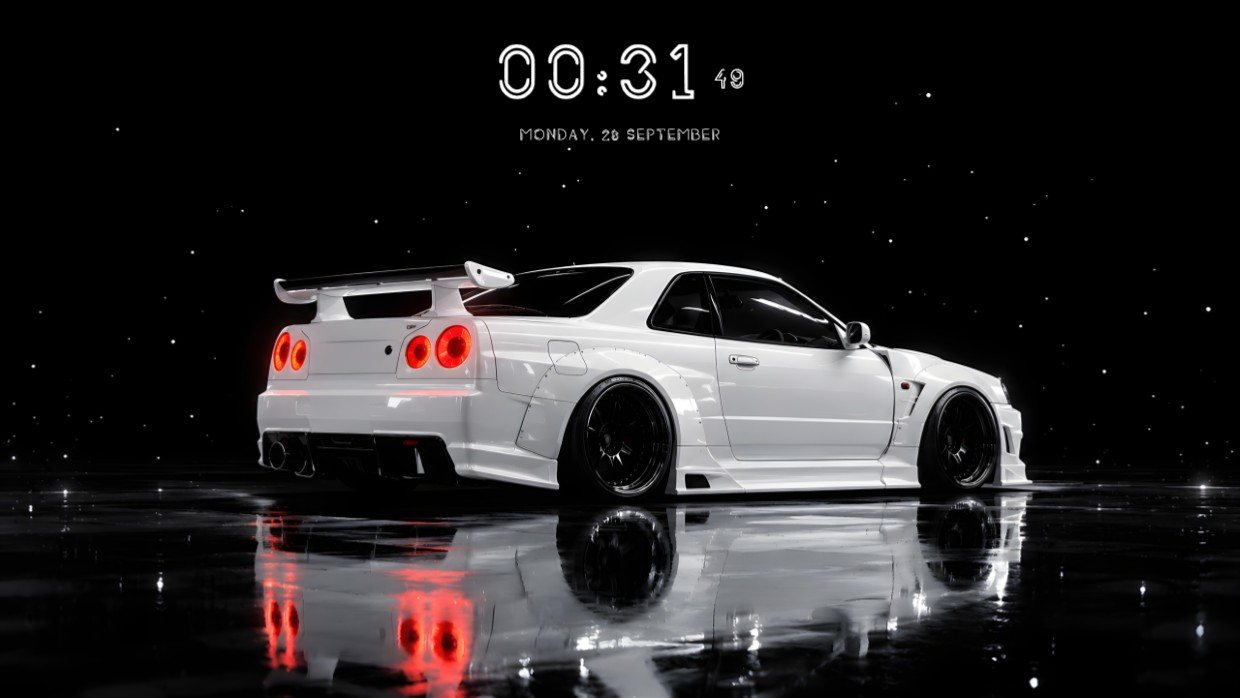
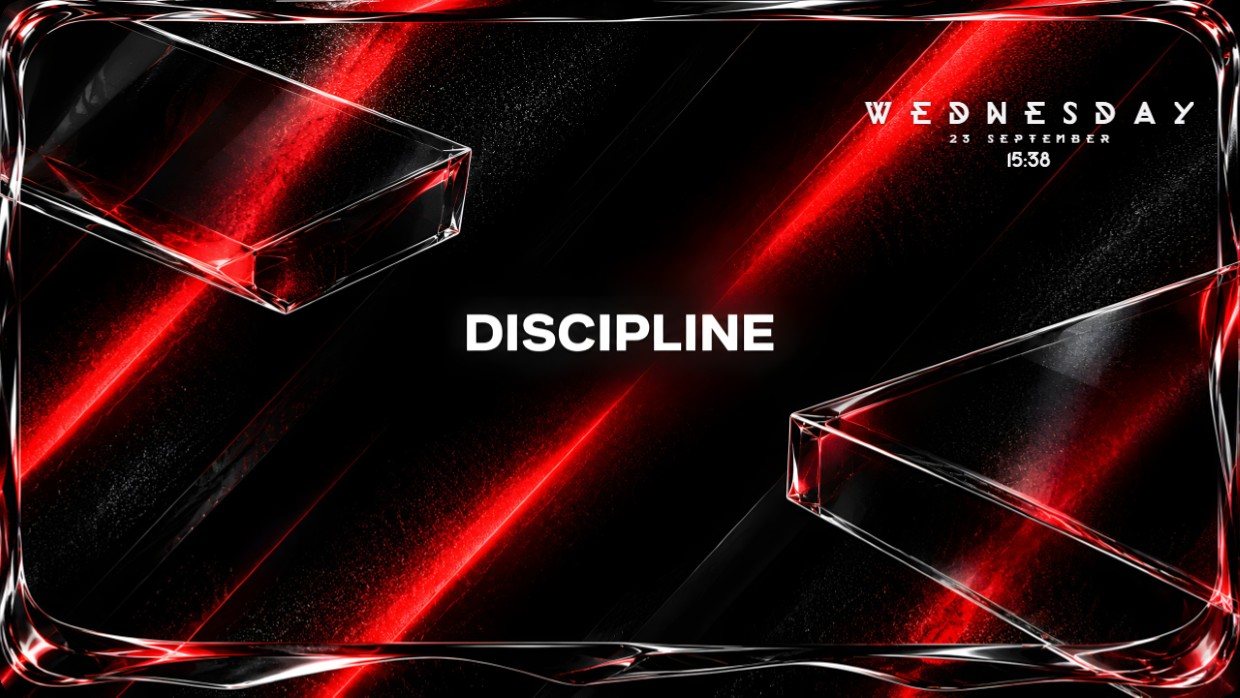
128 wallpapers included
Anime, cars, cities, cozy scenes, nature and abstract. Hover a thumbnail. Your own file works too, and video wallpapers play under the icons.
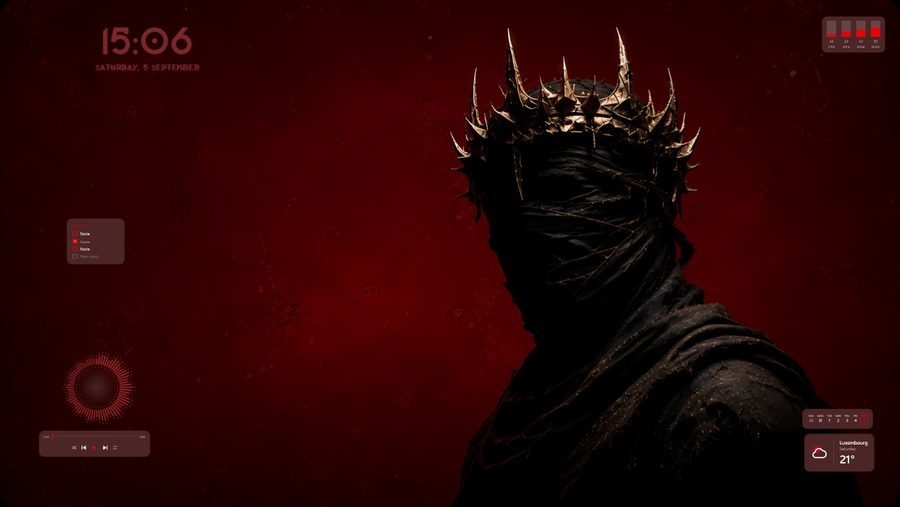
Hide the clutter
One click sweeps every desktop icon into the panel. Your wallpaper, finally uninterrupted.
A living desktop
A clock on your wallpaper plus rain, snow, leaves or sparks. Plus ambient sound: rain, fire, storm. They pause by themselves while you play.
Device lighting
Razer is set up straight from the app, and thousands of other devices connect through the free OpenRGB.


Custom cursors
Six shapes and any colour you like. Or bring your own: add .cur and .ani files, or a whole cursor pack from a folder.
Setup profiles
Your whole look saves in one click: Work, Gaming, Evening, Anime.
Themes and glass
Ready-made palettes, the Mono style or real glass, plus a theme built from your wallpaper colours. And opening animations: Bloom, Cascade, Radial, Pop.
Windows in your theme colour
The taskbar takes your theme colour, and the whole system switches between light and dark along with it.
Light and private
Native and offline, no accounts and no telemetry. Starts with Windows, lives in the tray, speaks 14 languages.
Windows in your theme colour
The taskbar takes your theme colour, and the whole system switches between light and dark along with it.
Build a desktop nobody else has
Pay once. No subscription.
The free version is enough to build a desktop. Pro unlocks the rest.
Free
A full desktop organizer.
- Hide, summon and search
- All ready-made themes, Mono and Glass
- Taskbar colour, light and dark system
- All 128 wallpapers and video wallpapers
- 6 widgets: clock, player, calendar, weather, system, notes
- Rain effect, 2 cursors and the Roulette
- Lighting: static and breathing
- 2 sections and 2 profiles
Pro
Full customization.
- Everything in Free
- Theme from your wallpaper and custom colours
- All effects, parallax and the sound visualizer
- All cursors plus your own, all widget styles
- All lighting effects
- Glass transparency and neon
- Unlimited sections and profiles
- Wallpaper on the lock screen
Pro is a single purchase on Steam. The money goes into development and new features.
Questions and answers
No. Files stay where they are. Vealo hides desktop icons and shows them in its own panel. Turn it off and the normal desktop is back instantly.
The whole look of your desktop: wallpaper, theme, widgets, cursor, lighting, effects and sounds. A setup applies with one click from the Steam Workshop, saves to a profile and goes to a friend as a one-line code.
Free: panel, search, icon hiding, 10 themes, Mono and Glass, all wallpapers and video wallpapers, 6 widgets, rain, two sounds, radio, two cursors, basic lighting, the Workshop and two profiles. Pro unlocks the theme from your wallpaper and custom colours, all effects, the visualizer and all sounds, all widget views and clock fonts, all cursors and your own files, all lighting effects, taskbar in theme colour, the upscaler, lock screen wallpaper, all 10 profiles and unlimited sections. Bought once.
No account, no telemetry, files and settings are never uploaded. Only weather, radio, the ping metric in the system monitor and the Steam Workshop go online, and only while they are on. Logs stay on your disk.
The setup applies, and its Pro parts (say, snow or a clock font) stay locked until you have Pro. Such setups carry a PRO badge.
Yes. Each screen gets its own wallpaper, filter and effects, and the panel remembers where you opened it. Icon hiding works on every monitor.
Razer works out of the box. SteelSeries, Corsair, Logitech, ASUS and hundreds of others through the free OpenRGB. The DualSense light bar over USB and Bluetooth. Lighting is off by default.
Yes. Vealo asks whose wallpaper is in charge and does not argue.
No. Everything is inside the installer, it runs on a clean Windows 10 or 11 (64-bit). Glass needs Windows 11 22H2 or newer; on older builds Vealo switches to Mono by itself.
Your desktop, one click
Free on Steam. Pick a setup or build your own, Pro only when you want the rest.
Windows 10 / 11